 PostOmnia
 LinkedIn
 YouTube
Plan, draft, schedule and review posts without losing context between separate social tools.







 PostOmnia

 Facebook
 Threads
 X
X Pinterest
 Reddit
 Discord
 Mastodon
 Bluesky
 WhatsApp
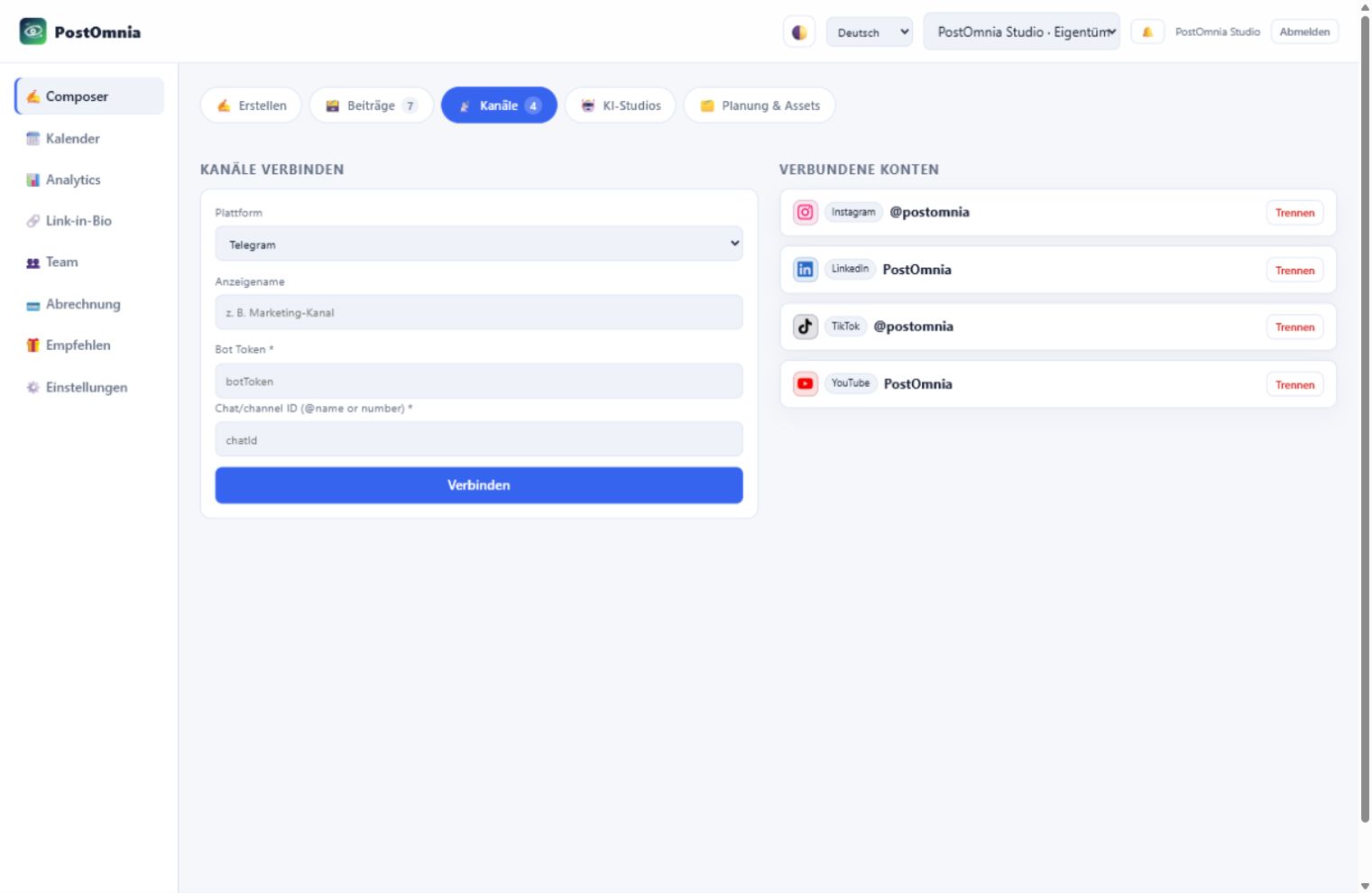
Connect channels
Connected accounts
Growth Autopilot
30 tools
Plan, measure, approve and optimize content with one operating panel.
AI Creative Studio
AI
Create visuals, campaigns, carousels, reel ideas and client approval packages from one prompt.
Campaigns & ideas
Import & recycling
Post templates
Media library
Posts
Review, filter and sort all drafts, scheduled and published posts.
Post actions explained
RecycleSchedule a fresh copy at the next best time – reworded by AI if configured.
EvergreenAutomatically schedules a fresh copy after the shown interval; click again to switch it off.
VariantsCreate labeled language versions attached to the post; the text is not translated automatically.
CommentAdd an internal note to the post so your team can coordinate its review.
Create post
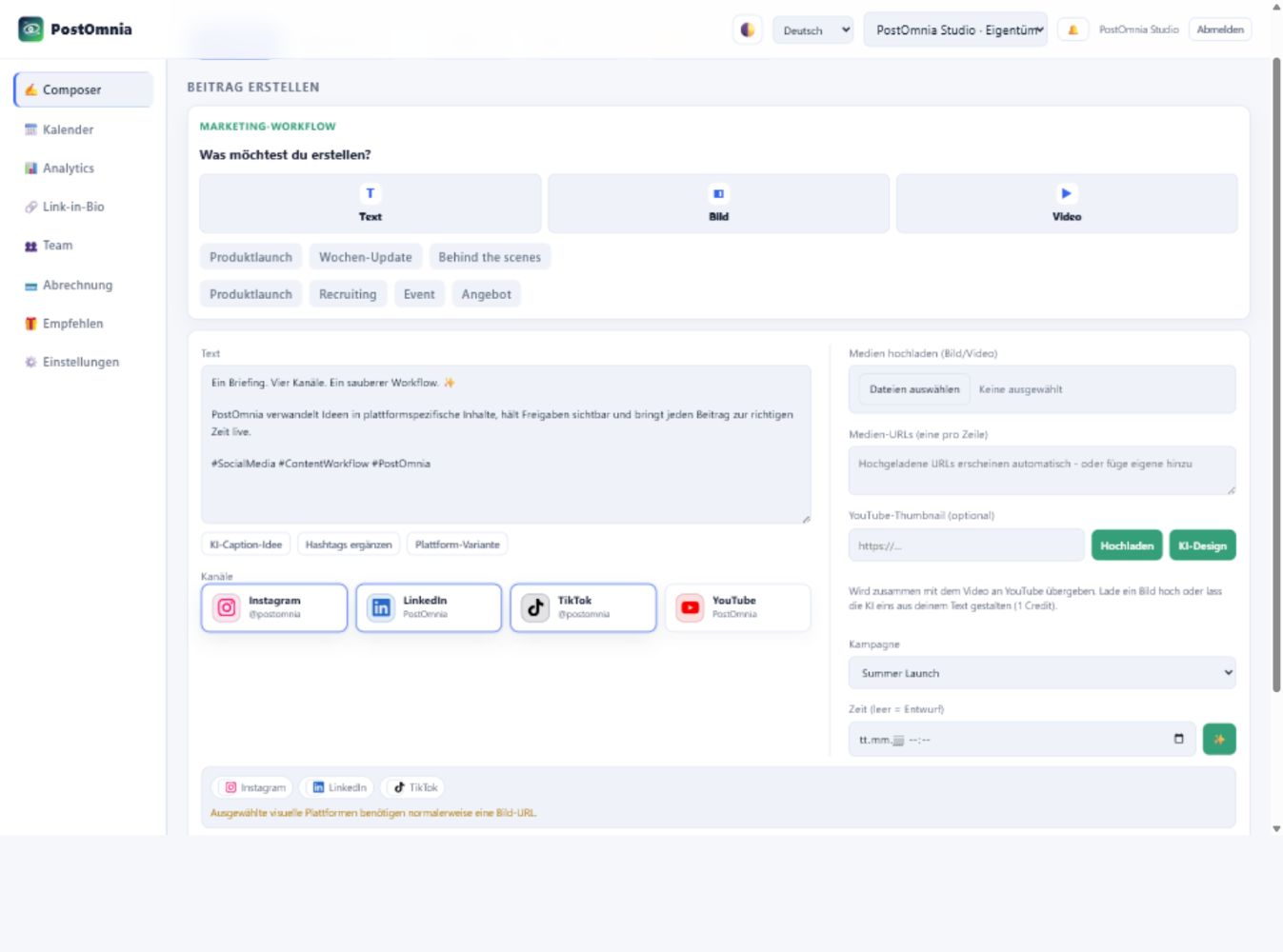
Marketing workflow
What would you like to create?
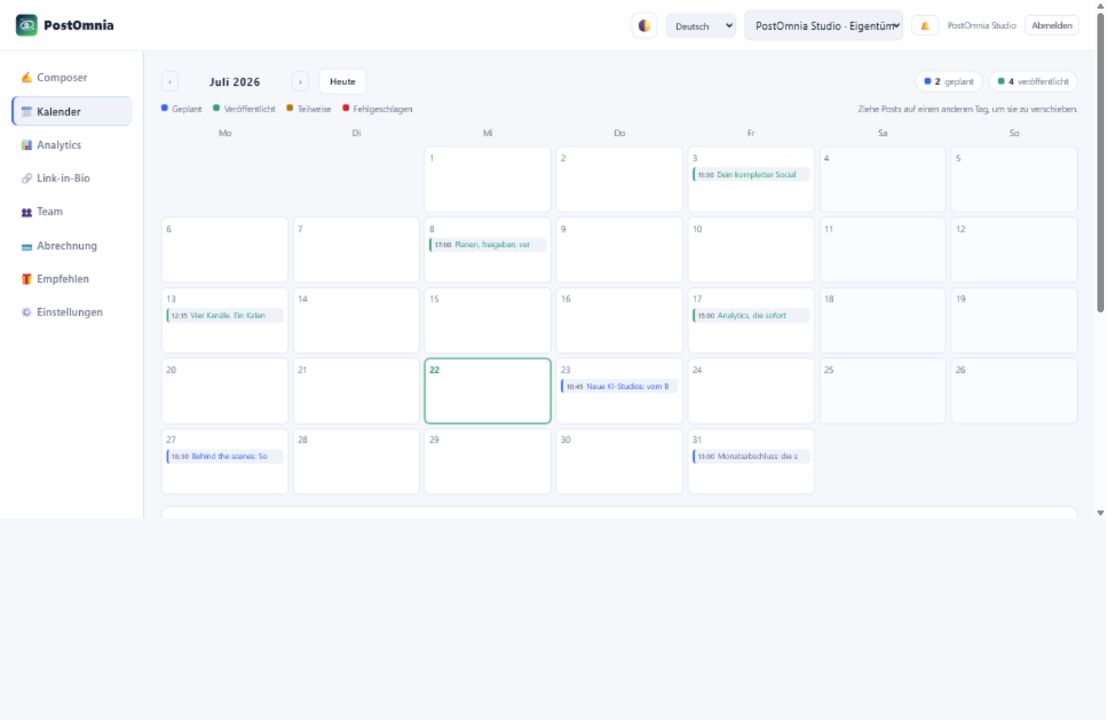
Scheduled
Published
Partial
Failed
Drag posts onto another day to reschedule them.
Show in Apple or Google Calendar
Subscribe once with this private link – scheduled and published posts then appear automatically in your calendar app and stay in sync.
Google Calendar: Settings → Add calendar → From URL → paste the link. Outlook works the same way.
The old link stops working immediately.Analytics
Teams
Members (active team)
Team members do not register separately. They receive an invitation, set their login details and use PostOmnia in the context of this team workspace.
Without a mail server, the invitation link appears in the server log (dev mode).
Pending invitations
Link in bio
One public page that bundles your links.
Page
Letters, numbers and hyphens.
Colours the whole page behind the links. Text, cards and borders adapt to it automatically.
Fills the whole page and is cropped to fit. The slider darkens it in the background color so text stays readable.
Outgoing clicks get utm_source=postomnia-bio – so the destination's analytics show where visitors came from.
Live preview
Updates while you type – before saving.
Links
Social icons
Profile links shown as round icons under your bio – the platform is detected automatically.
Email signups
A signup form on your public page. Subscribers confirm via email (double opt-in) – export anytime as CSV.
Own domain
Point a CNAME of this domain to: postomnia.de
Current plan
Billing details
Plans
Invoices
Your profile
Workspace settings
Your active workspace controls channels, posts, billing, members and API access.
Notifications
Get browser notifications when posts are published or fail.
Brand voice
AI labelling
Workspace status
Reports & backups
Connected AI assistants
Assistants like Claude, ChatGPT or Codex that you authorized via PostOmnia sign-in. Disconnecting immediately revokes their access.
API key (for MCP / ChatGPT)
MCP servers (Claude) and ChatGPT actions use this key as x-api-key. It is tied to your account and works in your first team.
Endpoints
Webhooks
Security settings
Two-factor authentication
Use an authenticator app to protect sign-ins with a second factor.
Please confirm your password to start the setup.
Scan the QR code with your authenticator app (e.g. Google Authenticator, 1Password), then enter the current 6-digit code. You can also add the setup key manually.
To set up a new authenticator, confirm your password and enter a current authenticator code or one of your recovery codes. Your current 2FA stays active until the new one is confirmed.
To disable, confirm your password and enter a current authenticator code or one of your recovery codes.
Privacy (GDPR)
Data processing agreement
Under Art. 28 GDPR you are the controller and PostOmnia is the processor. Owners and admins accept the agreement here for the entire workspace; version, time and person are recorded as your proof.
Loading…
Export your data or delete your team/account irreversibly.
You can change this at any time. Analytics helps us understand clicks, pages and activation steps without storing form contents.
Export the active workspace with posts, media metadata, templates and audit log.
Recommend PostOmnia – earn AI credits
Share your personal link. Your friends get extra trial days, you get AI credits for every confirmed signup.
Your referral link
How it works
- Share your link – via WhatsApp, social media or email.
- Your friends sign up through it and get extra trial days automatically.
- As soon as they confirm their email, the AI credits land in your account.
Your referrals
Admin overview
Admin tasks
Platform apps & API keys
Enter the Client ID and Client Secret of your developer apps here. Values are stored encrypted and take effect immediately – no restart, no .env changes. Admin values take precedence over .env.
Integrations & services
Change of operator
Disconnect this instance from the previous operator so a new owner can enter their own keys. Customer data — teams, posts, invoices — is never touched.